From 4 yearsPremium4 difficulty levels
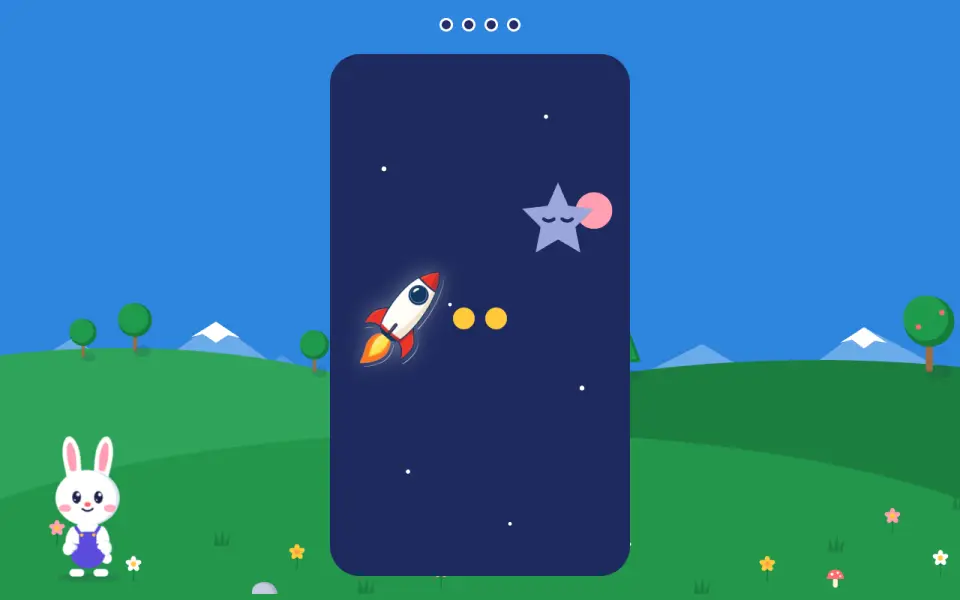
Your child scrolls with two fingers on the trackpad (or with the wheel) to move the rocket up and down and catch the star. The up and down arrows on the keyboard do the same.
What your child practices
- Scroll with two fingers or the wheel
The level goes up on its own after two successful games in a row.
Why “The rocket” is designed this way
Mouse or trackpad: which should I choose?
Our reasoned choice, from our observationsThe game works as well with a trackpad as with a mouse, with no two-finger gesture.
Observations report that young children are more comfortable with a trackpad, as their hand is too small for a mouse.
No study covers this exact point. We found no controlled study of the trackpad before age 6.
How we check it. We record the device used and compare accuracy and time per target between mouse and trackpad.
The closest we found
- Nielsen Norman Group, 2018. Children’s UX: physical development. Age studied: 3 to 12 years (qualitative observation).
- Strommen, Revelle, Medoff, Razavi, 1996. Slow and steady wins the race? Three-year-old children and pointing device use, Behaviour & Information Technology, 15(1). Age studied: 3 years.
What happens when my child gets it wrong twice?
Our reasoned choice, as a precautionAfter a first mistake, the bunny encourages and repeats the instruction. After the second, the right answer starts to move gently and the bunny points to it.
A child who cannot find the answer should not stay stuck or guess at random: they finish each question on a success. A question found with help does not count as passed in their record.
No study covers this exact point. We found no study on how many mistakes to allow before helping, at this age and on a screen. Two is our choice.
How we check it. For the same question, we compare success without help the next time. If help comes too early for the child to learn, we will delay it.
The rules shared by all the games are explained in Our method: why are the buttons and objects so big ; why do objects never come to the pointer ; why these deep colours ; why is the background so calm during an exercise.
In the same area
In the computer’s browser, on a Mac or PC. Nothing to install.