To play on a computer, a child first has to learn to bring the pointer where they want, stop on a target and click without moving. This is learned step by step, and these games offer the steps in order.
The games in this area go from the simplest to the most demanding: first moving the pointer around, then aiming at a big target, clicking, choosing among several, and finally picking up an object to put it somewhere else, in two clicks, with no drag and drop. They work with a mouse as well as with a laptop trackpad.
The 13 games for learning the mouse, from the easiest to the hardest

Wake up the stars
From 3 yearsFree
Your child moves the pointer over the stars to light them up. There is nothing to click: they simply learn that their hand makes something happen on the screen, and how to move it where they want.
The magic lamp
From 3 yearsFree
It is night: your child moves the lamp all over the screen to find hidden animals. There is nothing to click; it is an exercise for exploring the screen with the hand.
The hidden picture
From 3 yearsFree
A layer of colour hides a drawing: your child rubs it with the pointer, without clicking, until everything is uncovered. They learn to cover a surface with their hand.
Pop the bubbles
From 3 yearsFree
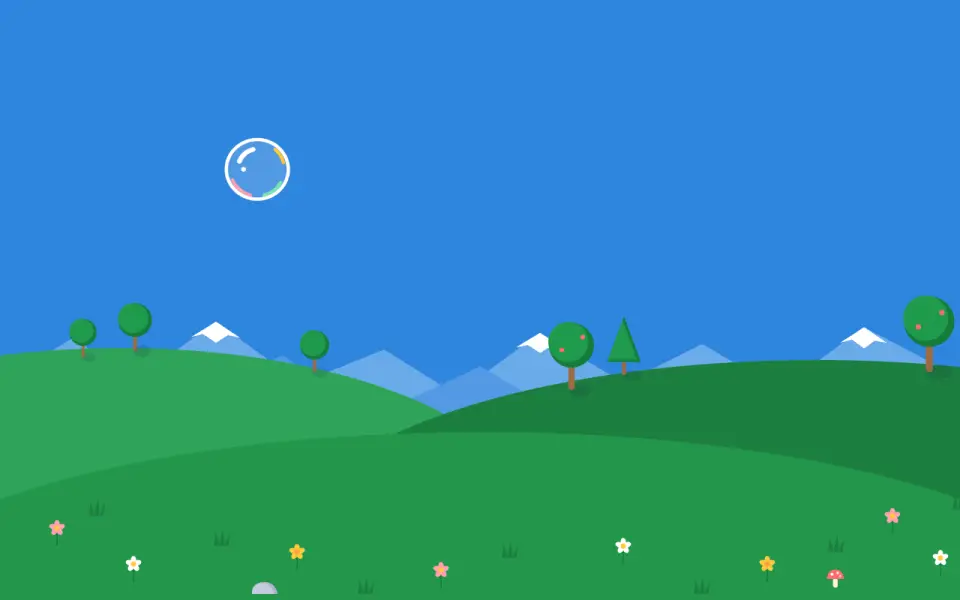
Your child stops on a bubble, then clicks. The bubbles are big and stay still: your child has to go and find them. A click just next to a bubble still counts.
The balloons
From 3 yearsFree
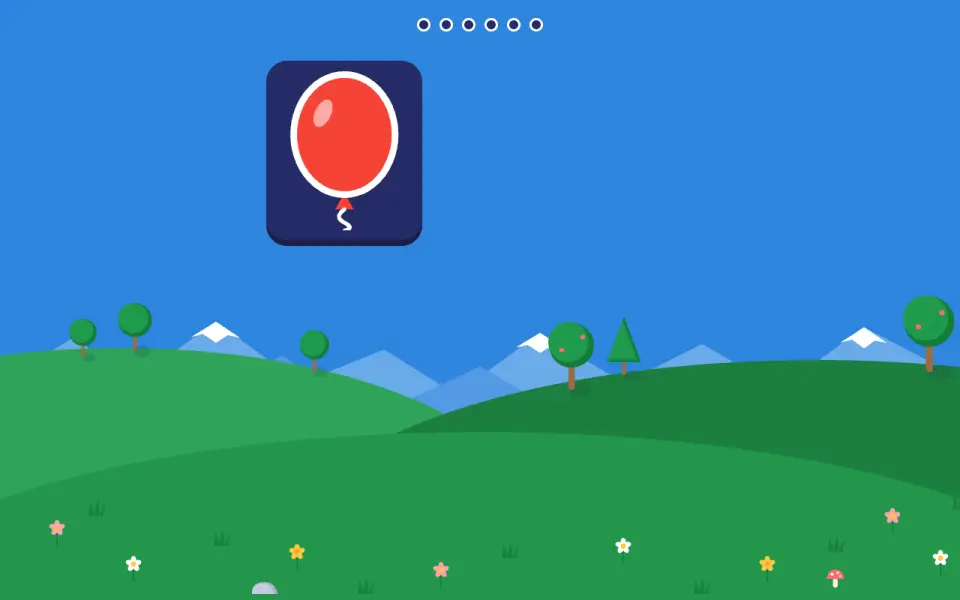
Your child pops balloons that do not move and appear far from the pointer. From level 4, they only pop the colour that is asked for: turn it off if your child has trouble telling colours apart.
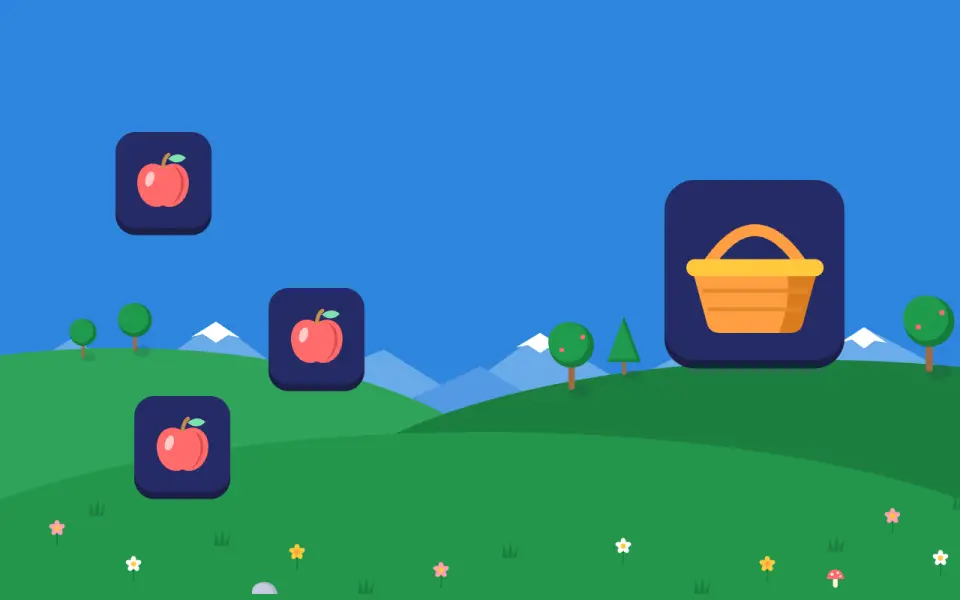
Tidy the apples
From 3 yearsFree
One click to pick up an apple, one click to drop it in the basket. Your child never has to hold the button down while moving their hand, which is still hard at this age.
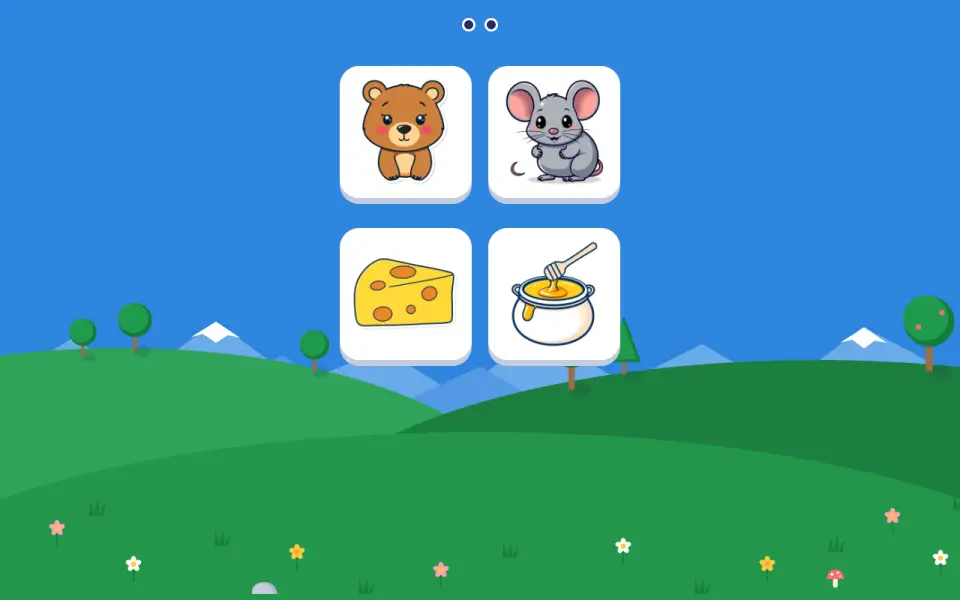
The animals' snack
From 3 yearsFree
Your child clicks a food, then the animal that likes it, never holding the button down. Picking the wrong animal makes no sound: the food stays in hand.
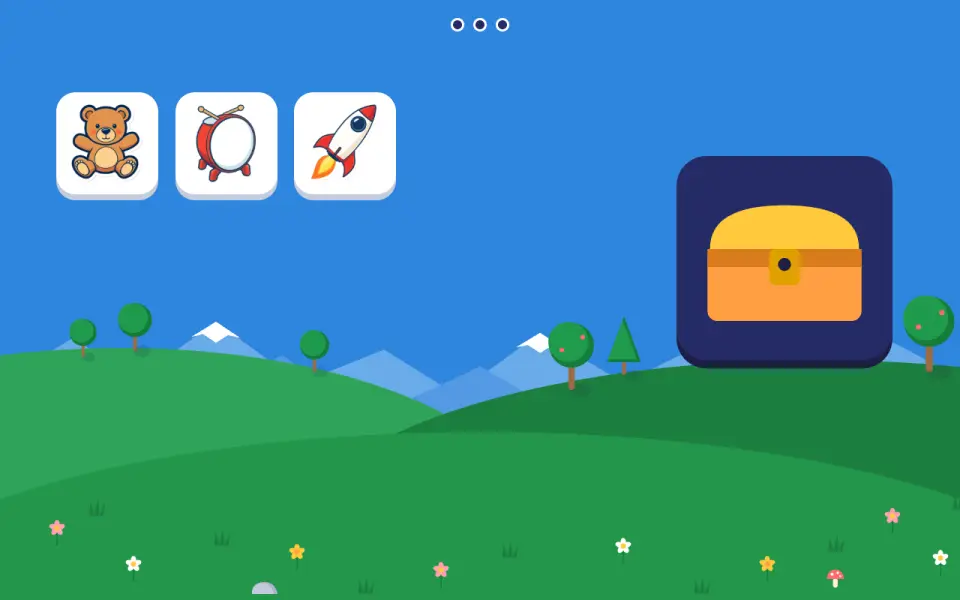
The toy chest
From 3 yearsPremium
One click to pick up a toy, one click to drop it in the chest. Just one big target to reach: it is the first move, without holding the button.
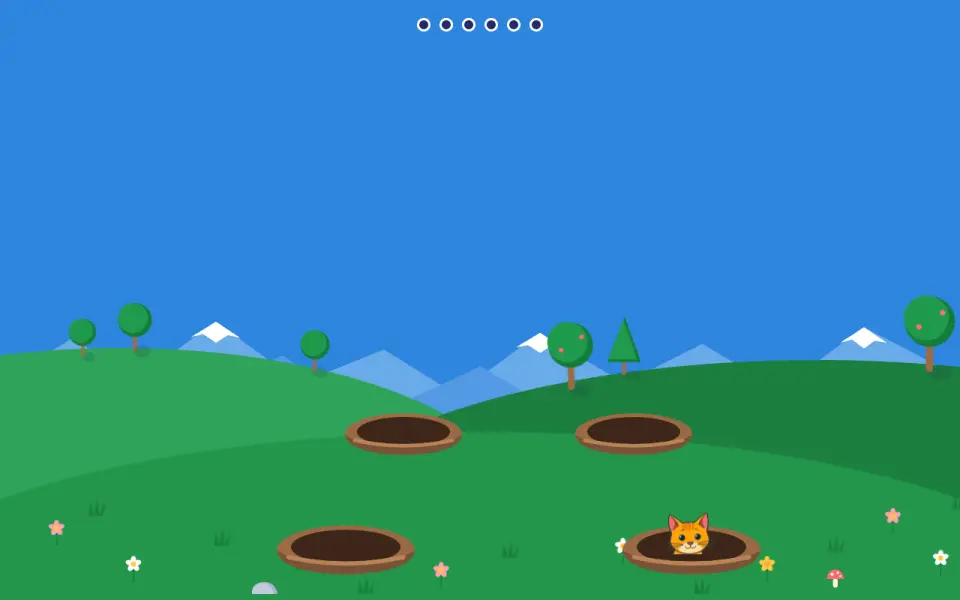
Peekaboo!
From 3 yearsPremium
An animal comes out of a burrow and your child clicks it before it hides. If they miss it, the animal comes back later, and after two misses it stays out longer: nothing is lost.
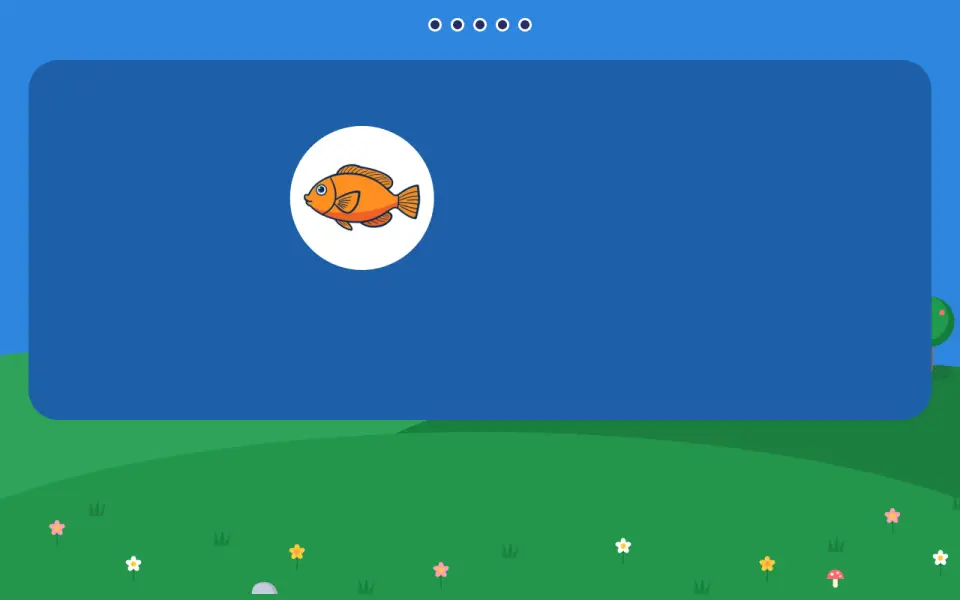
Catch the fish
From 3½ yearsPremium
A sea animal swims slowly; your child follows it with their hand, then clicks it. It is one of the few exercises where the target moves, and it slows down even more if your child misses it twice.
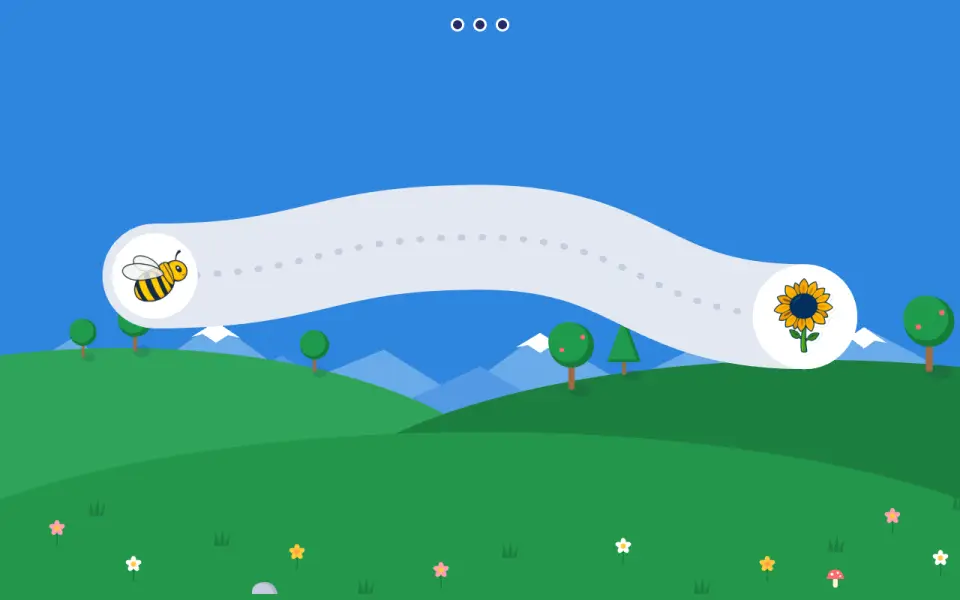
The bee's path
From 3½ yearsPremium
Your child follows a path with the pointer, without clicking, to lead the bee to the flower. The path is a wide strip, and straying does not set anything back: the bee waits.
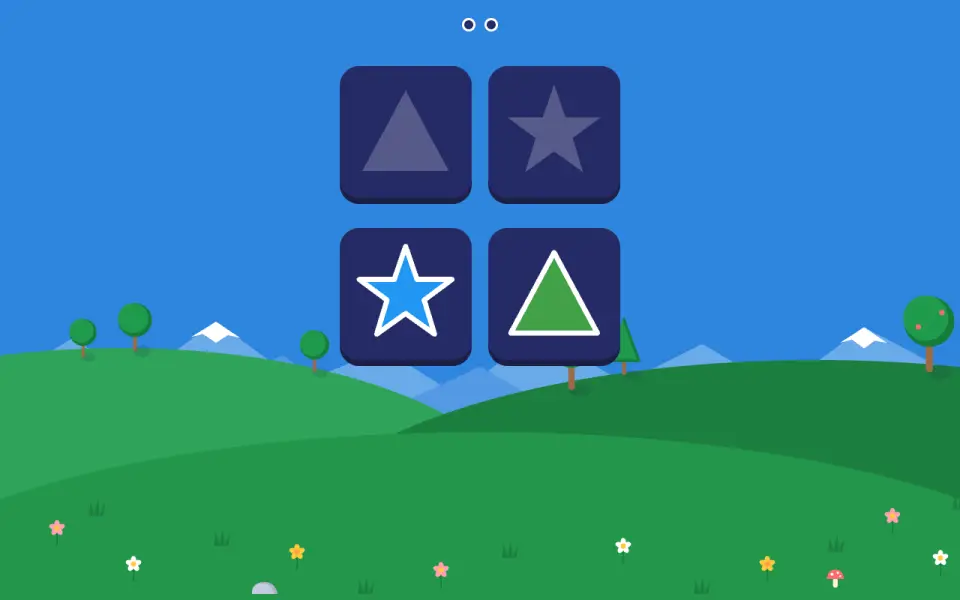
Shape puzzle
From 3½ yearsPremium
Your child picks up a shape and drops it in the right silhouette, with several silhouettes side by side. Only the shape matters: each piece has its colour, the silhouettes are grey.
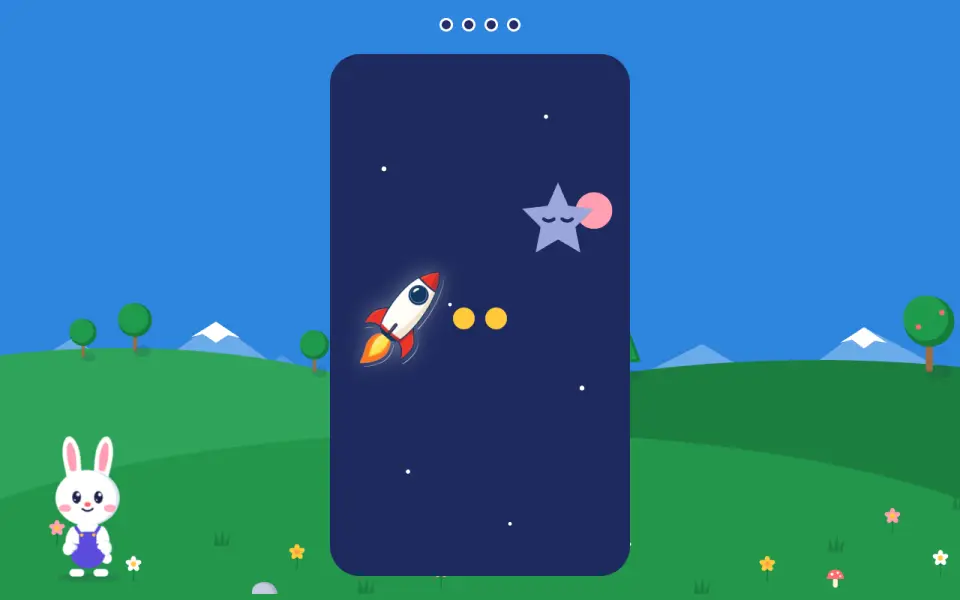
The rocket
From 4 yearsPremium
Your child scrolls with two fingers on the trackpad (or with the wheel) to move the rocket up and down and catch the star. The up and down arrows on the keyboard do the same.
How these games are designed
Every design choice is explained and linked to the studies it relies on, along with what they do not allow us to claim. Find them all on the page Our method and sources.
In the computer’s browser, on a Mac or PC. Nothing to install.