The keyboard comes after the mouse: pressing a key, then finding one particular letter among all the others, and finally typing their own name.
The first game accepts any key: your child discovers that their fingers on the keyboard make something happen on the screen. Only then are they asked for a specific key, starting with the big keys, and the on-screen keyboard helps them find it after two mistakes.
The 6 games for learning the keyboard, from the easiest to the hardest
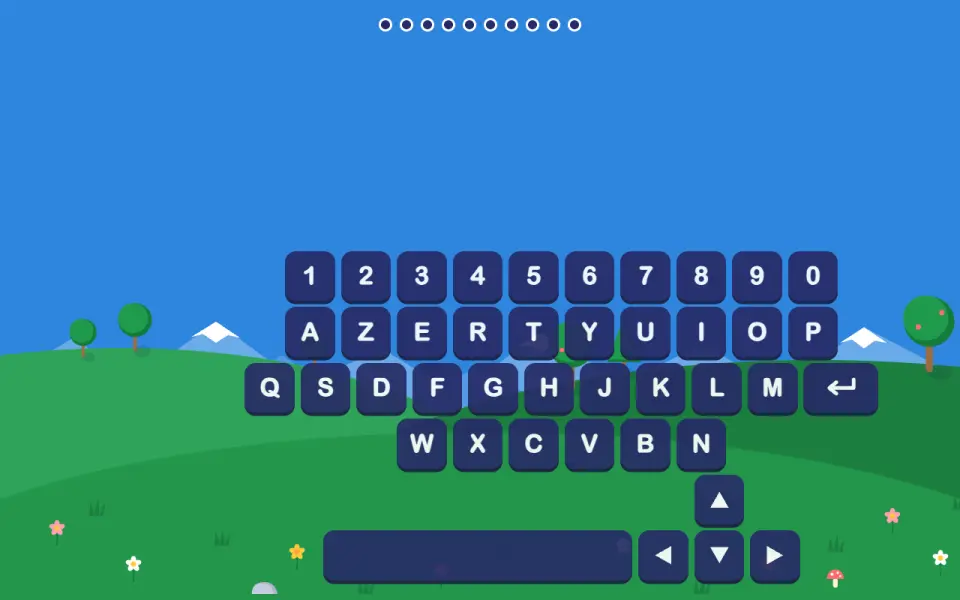
Keyboard party
From 3 yearsFree
Each key pressed makes a letter, a number or an animal pop up, and the drawn keyboard lights up where your child pressed. There is nothing to get right: they simply discover that their fingers on the keyboard make something happen on the screen.
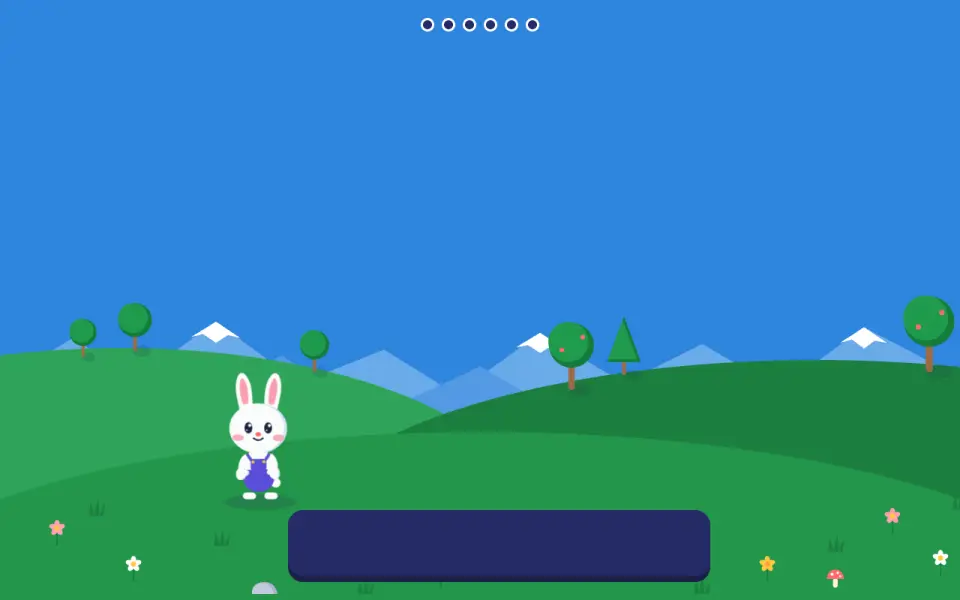
Jump, bunny!
From 3 yearsFree
A friend walks towards the bunny and your child presses the space bar to make the bunny jump over. The friend stops in front of the bunny until your child has pressed: you can never lose. At later levels, the friend walks faster.
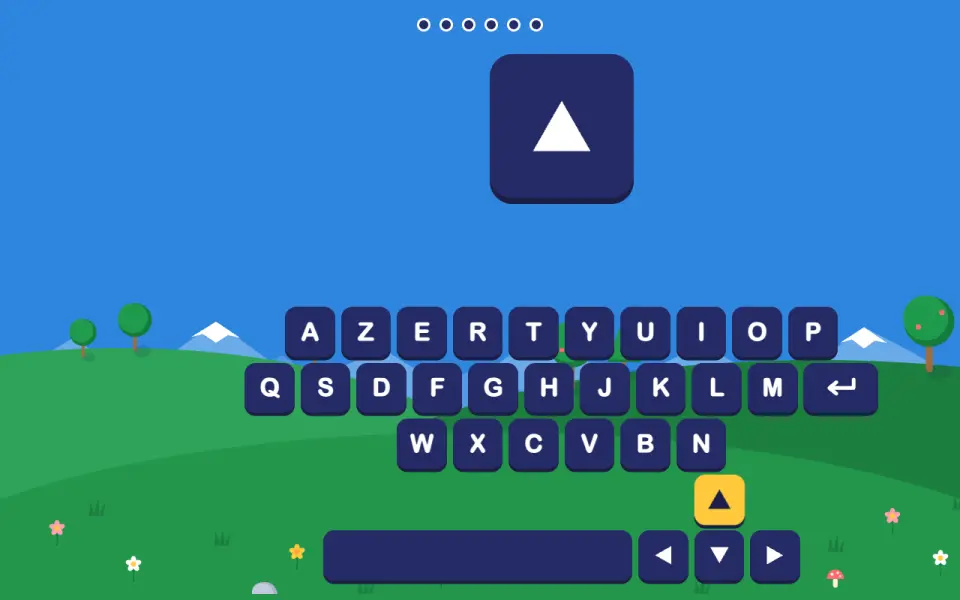
The glowing keyboard
From 3 yearsFree
A key glows on the drawn keyboard, and your child finds the same one on the real keyboard. We start with the big keys (space, Enter, arrows), then letters and numbers. After two mistakes, the right key is shown more strongly.
Keyboard keys
From 4 yearsPremium
The bunny names a letter and your child finds it on the real keyboard. After two mistakes, the drawn keyboard appears with the right key lit up. Each level adds a group of letters.
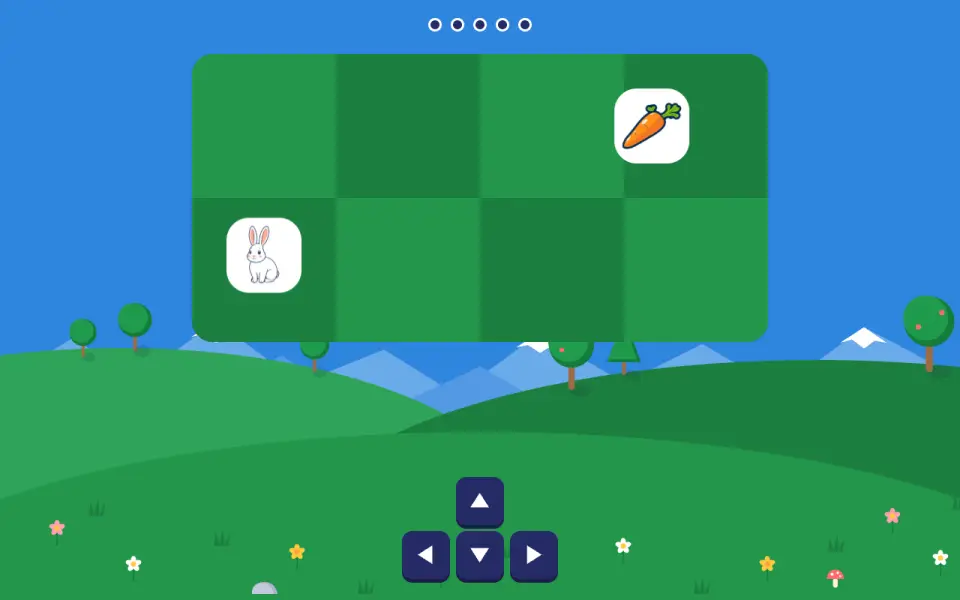
The bunny and the carrots
From 4 yearsPremium
Your child moves the bunny one square at a time with the keyboard arrows to the carrot. A step towards the edge makes no sound; after two lost steps, the useful keys are pointed out.
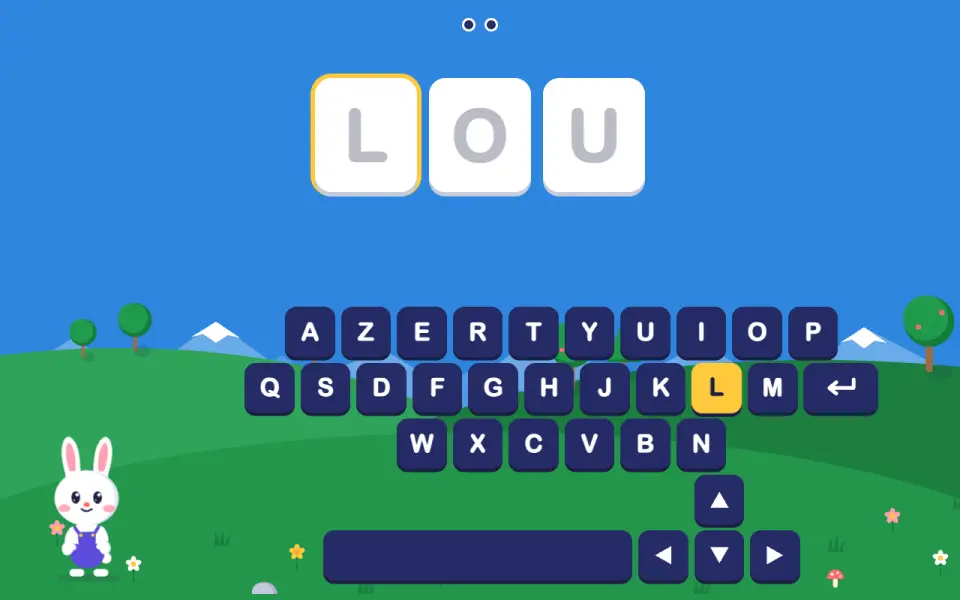
I type my name
From 4 yearsPremium
Your child types the letters of their name, in order, on the real keyboard. At first the right key glows; at later levels it only glows after one or two mistakes. A mistake takes nothing away.
How these games are designed
Every design choice is explained and linked to the studies it relies on, along with what they do not allow us to claim. Find them all on the page Our method and sources.
In the computer’s browser, on a Mac or PC. Nothing to install.