From 3 yearsPremium
A xylophone with eight coloured bars, played with the mouse or the keyboard. The notes belong to a scale where nothing sounds wrong. There is nothing to get right; they finish with the big green check mark, otherwise the game stops by itself after four minutes.
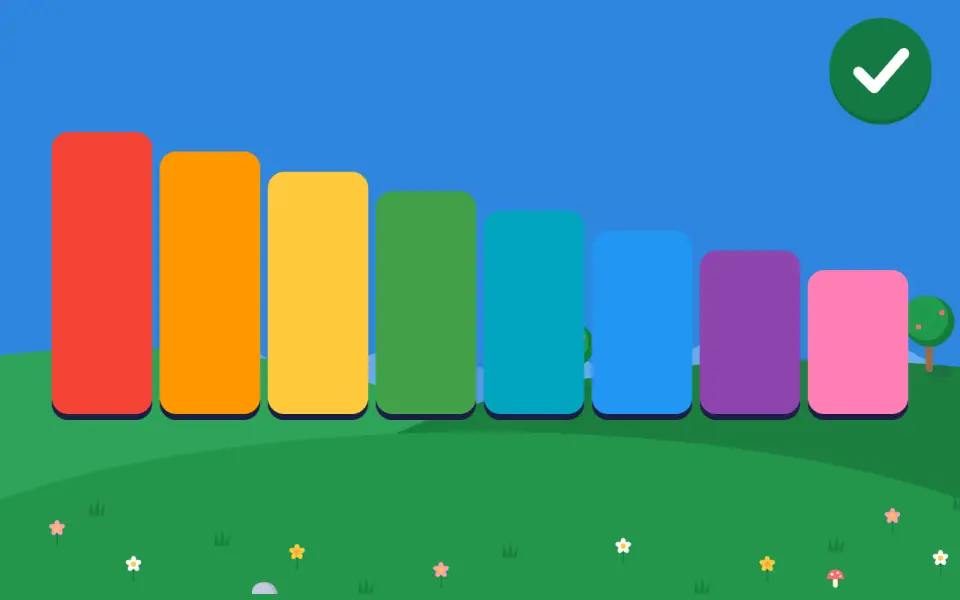
What your child practices
- Draw or play music, freely
Why “Music” is designed this way
Why these little sounds when my child presses or types a letter?
Our reasoned choice, by logicEvery successful gesture has its sound: a “knock” for a button, a rising note for a typed letter, a pop for a bubble. A mistake makes no sound. Letters appear with a bounce.
A child who cannot read thus knows their press was registered, without having to look at what changed. No sound rewards a mistake, and none is used to draw the child towards the screen.
No study covers this exact point. We found no study on confirmation sounds in children aged 3 to 6.
How we check it. We count repeated presses on the same button: if they increase, the sound amuses more than it informs, and it will be softened.
Why are the sounds so soft?
Our reasoned choice, by applying a standardThe game’s sounds stay soft and no effect is louder than the voice.
The safe-listening standard sets 75 decibels for a child.
No study covers this exact point. The standard is aimed at headphones and earphones; a browser game does not control the computer’s actual volume.
How we check it. The actual volume depends on the computer: we give the parent a setting and a sound reference to calibrate it once.
The closest we found
- WHO and ITU, 2019. Safe listening devices and systems: a WHO-ITU standard (H.870).
The rules shared by all the games are explained in Our method: why does my child never have to drag an object ; why are the buttons and objects so big ; why is the arrow so big, and why does it turn red ; why is the background so calm during an exercise.
In the same area
In the computer’s browser, on a Mac or PC. Nothing to install.